


Point of Vu

PocketFix AI

For the garage mechanic. It’s like having a mechanic buddy hanging around while you’re figuring it out, but in your pocket!

Something under the hood looks wrong and you don’t know what it’s called. Take a photo of it. PocketFix tells you the name of the part, what has most likely gone wrong, and how to fix it, including the socket size and the torque spec. It also tells you whether this is a job worth doing yourself or one worth handing to a shop.

Coming soon to the App Store

Screenshots

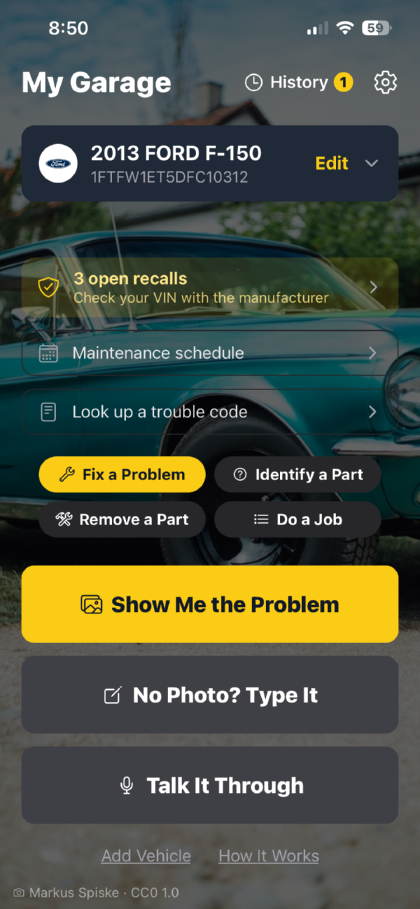
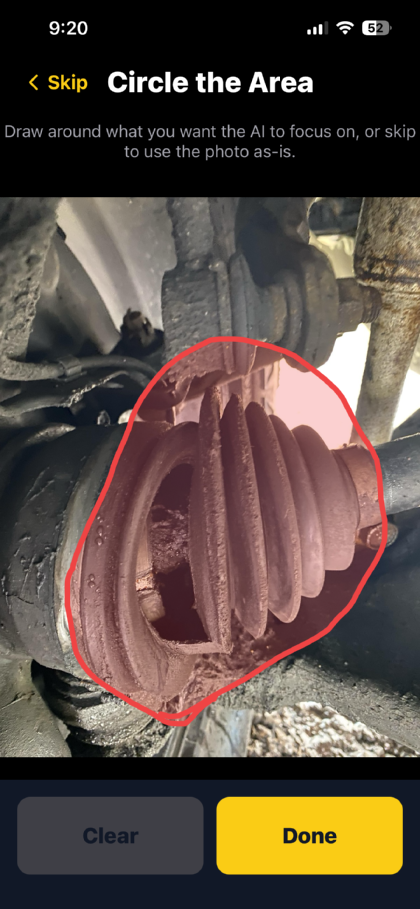
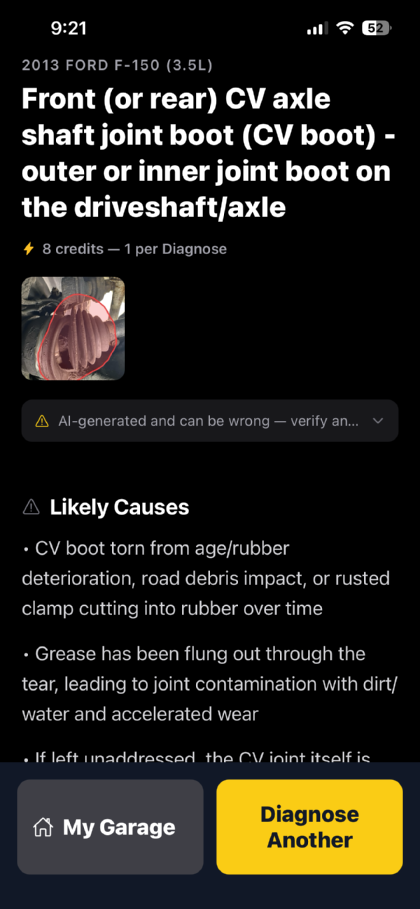
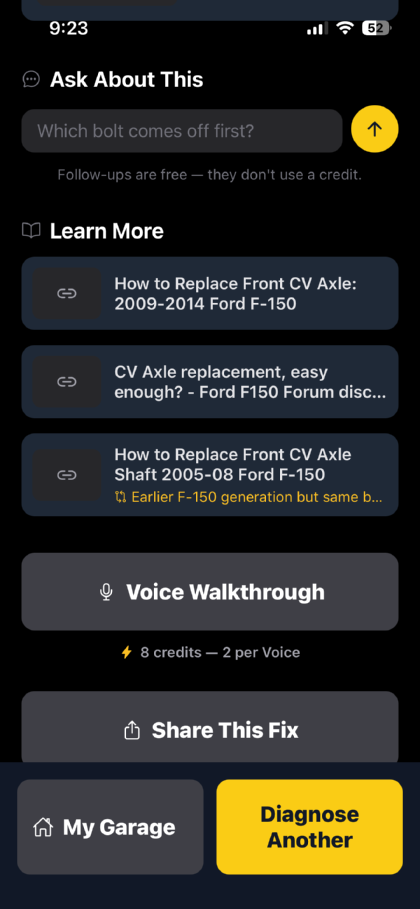
My Garage, showing a saved 2013 Ford F-150 with three open recalls, and buttons for diagnosing a problem by photo, by typing, or by voice. The Circle the Area screen: a photo of a torn CV boot under the truck, with a red circle drawn around the split rubber to tell the app what to look at. The answer identifying a CV axle shaft joint boot, with the circled photo shown alongside and likely causes listed — a boot torn with age, grease flung out through the tear, and the joint itself at risk if left. The bottom of an answer: a box for asking a follow-up, noting that follow-ups are free and cost no credit, above links to repair guides and a forum thread, one marked as an earlier F-150 generation with the same part. The How Do I screen, with “Replace the cabin air filter” chosen for the saved vehicle and a Show Me How button. The hands-free Voice Walkthrough listening for a question, with a prompt to ask something or say “next step”.

Description

Take a photo of the part, or just the general area, and describe what it’s doing in your own words. “Clunks over bumps” works fine. You get back the name of the part, the likely causes, the steps to narrow it down, and the socket size and torque spec you’ll need.

If you add a vehicle by VIN, the answers are about your engine and your platform instead of a generic write-up for the whole model line, and the reference links are marked by how closely they match what you actually drive. You also get any open recalls for that VIN, tracked by status so you can see what’s still outstanding, and the maintenance schedule for the mileage you’re actually at.

Every answer tells you whether this is a job to do yourself, a toss-up, or one for a shop, and it gives you a rough shop price and how long it should take, so you can decide before the wheel is off. After the answer comes up, PocketFix also searches real repair guides to find whatever else has to come off first that the steps didn’t mention.

And when your hands are dirty and the phone is sitting on the fender, you can ask a follow-up out loud and it answers out loud, one step at a time, so you don’t have to touch anything.

PocketFix AI is a reference tool, not a mechanic. It can be wrong. Check torque specifications and procedures against the manufacturer service information for your vehicle before relying on them, and take particular care with brakes, steering, airbags, fuel systems and anything that involves lifting the vehicle.

Get help

Questions, bugs, or a diagnosis that was way off. We especially want to hear about that last one. Support · Privacy policy