
Point of Vu

Reprise: Game Emulator

Your old-school arcade, right on your iPhone.

Bring your own compatible game files and play classic NES and Super Nintendo games on your iPhone. Reprise gives you an arcade-style library, adjustable touchscreen controls, support for connected game controllers, and saves you can pick up again later.

In TestFlight testing; not yet available on the App Store

Screenshots

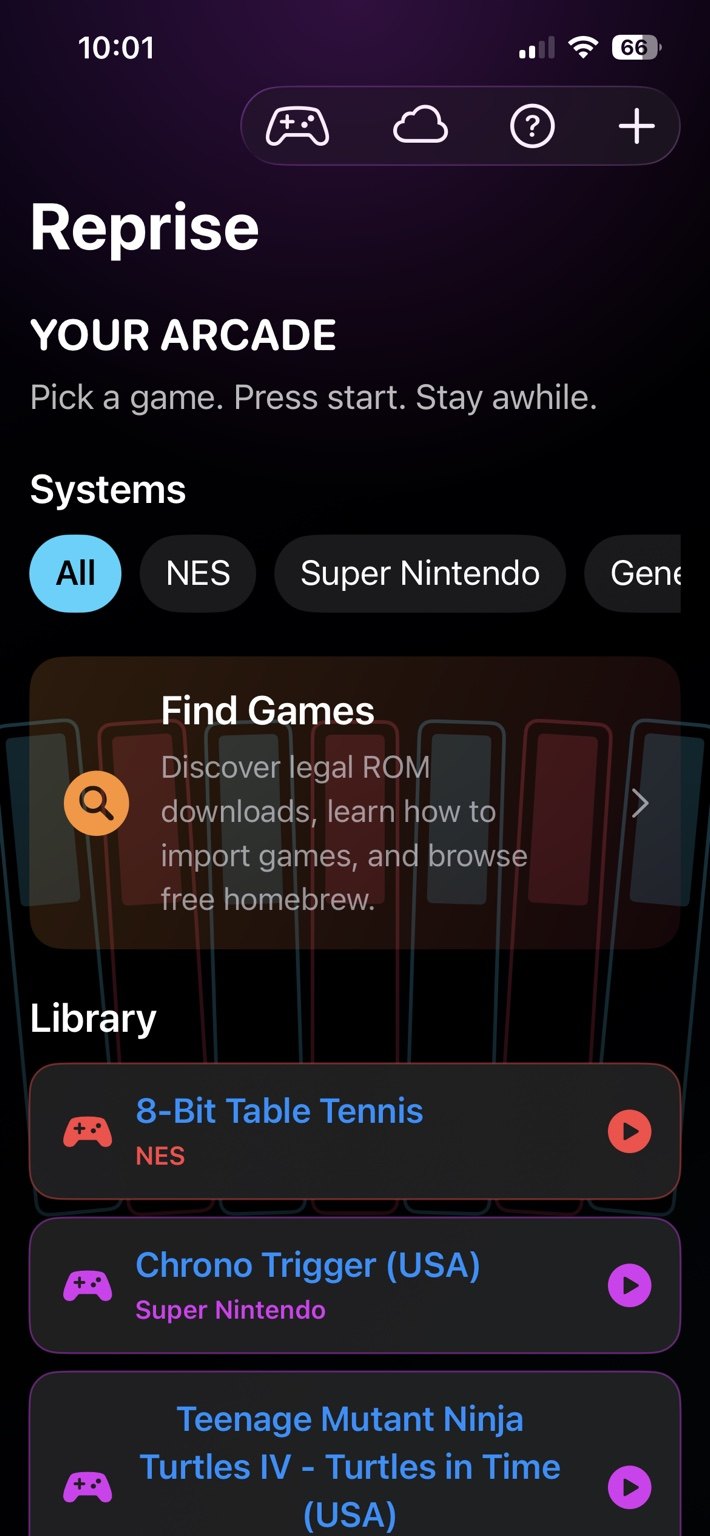
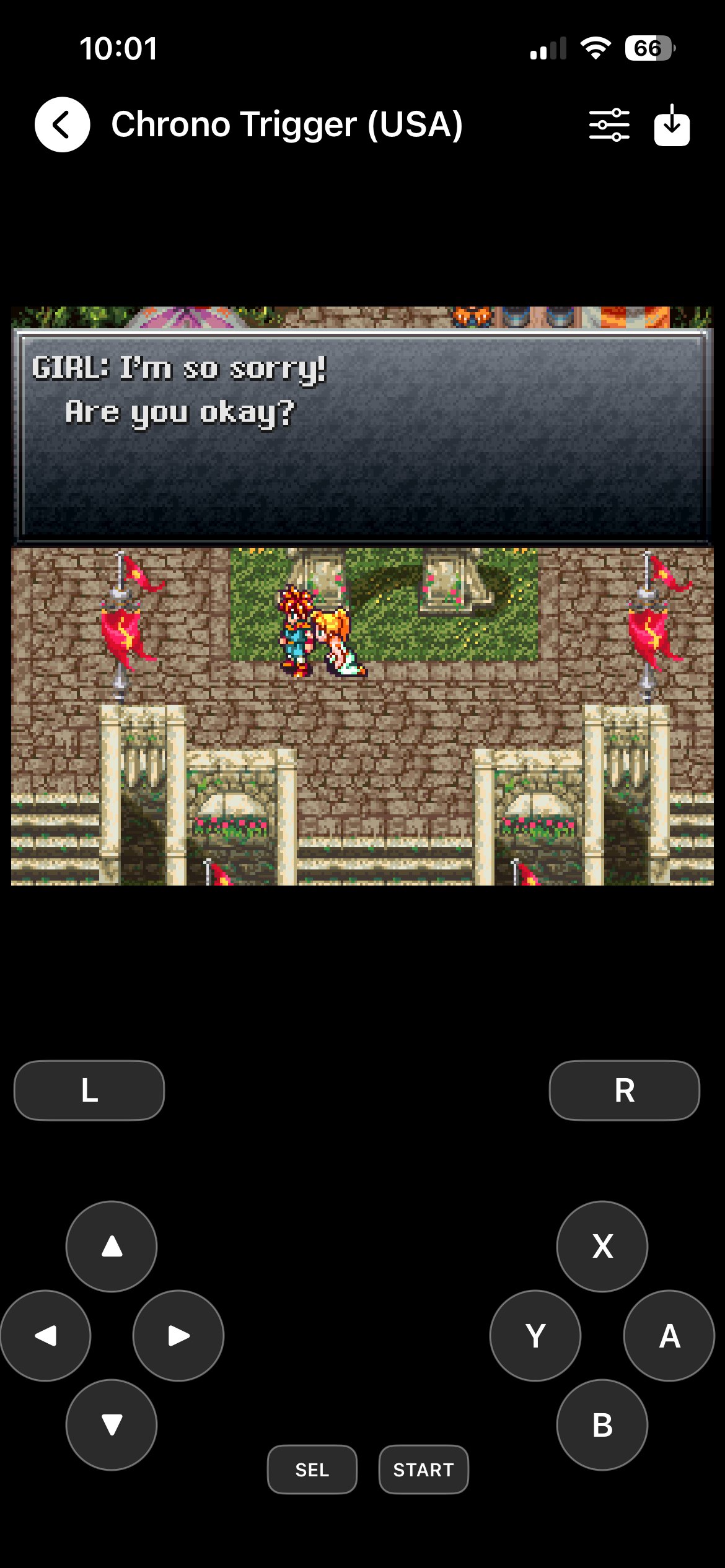
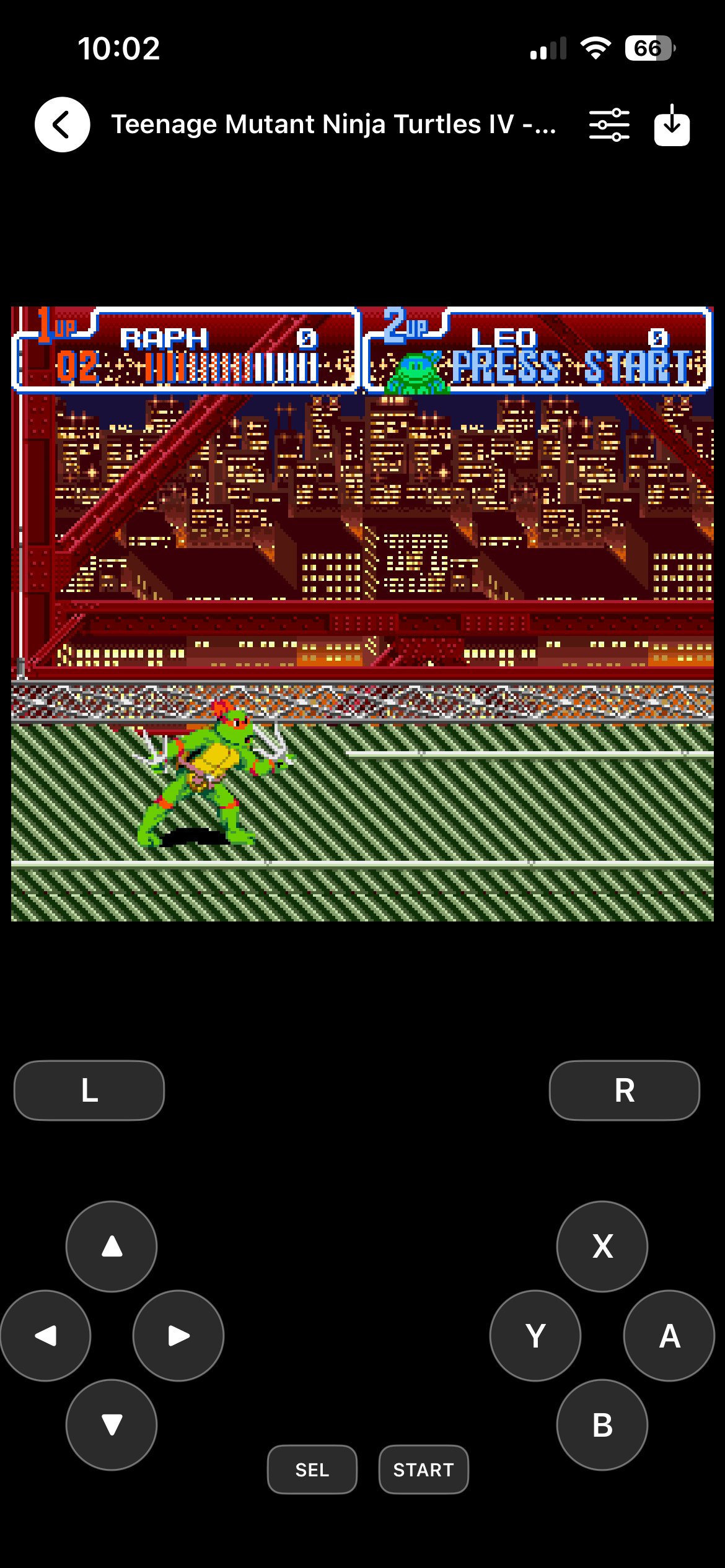
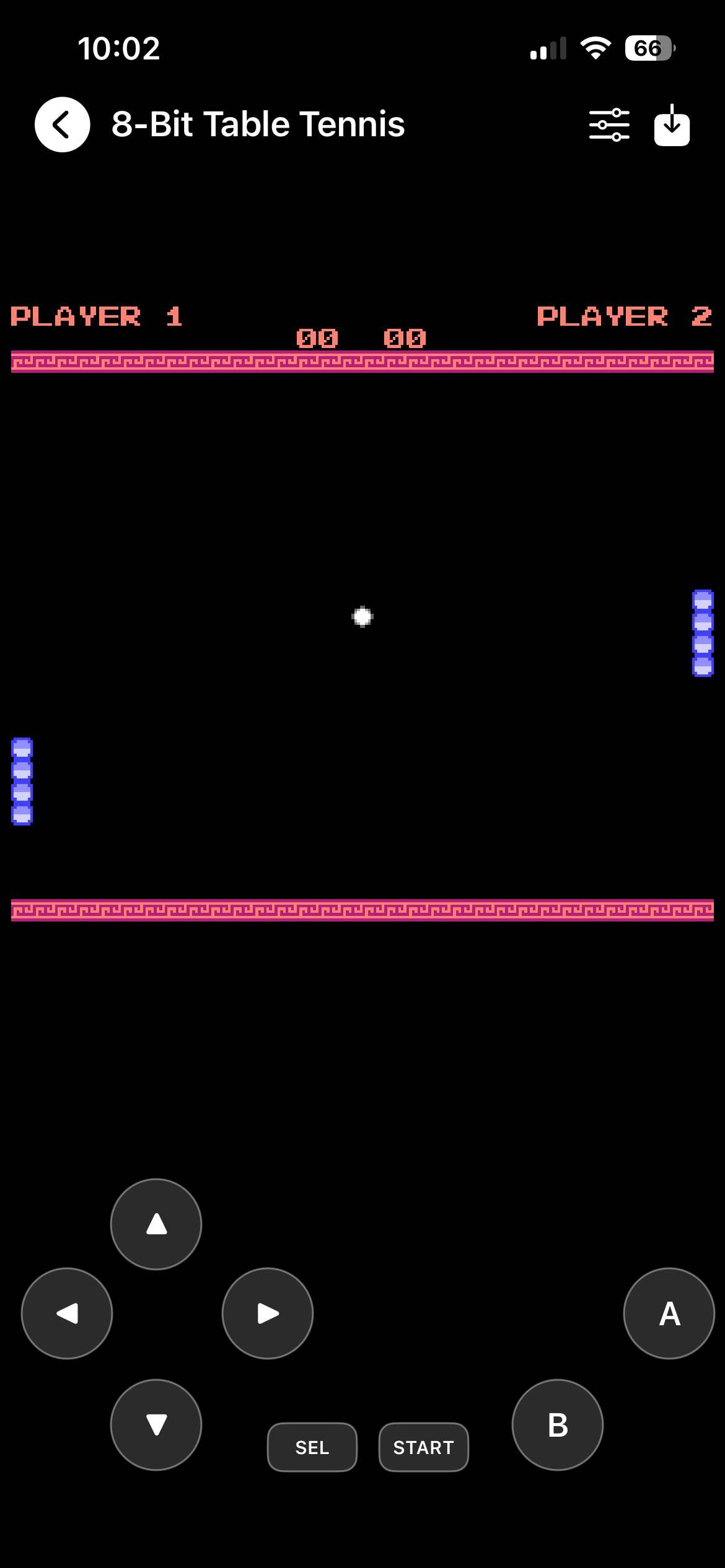
Reprise game library and console filters. Chrono Trigger running with SNES touchscreen controls. Teenage Mutant Ninja Turtles IV running in Reprise. 8-Bit Table Tennis running with NES controls.

Description

Reprise is a little arcade for games you already own or have permission to play. Import NES (.nes) or Super Nintendo (.sfc or .smc) files from the Files app, iCloud Drive, or another Files provider, and keep them together in one library. You can rename a game in your library without changing its original file.

When you launch a game, you get a console-style set of controls that works in portrait or landscape. Move the touchscreen buttons to where your hands want them, or play with a supported connected controller.

Save states let you stop playing and come back later. Game files and saves stay on your device, and you can optionally back up save states and cartridge save RAM to your private iCloud Drive. Reprise does not upload your ROMs.

The library recognizes some other console file formats, but NES and Super Nintendo are the systems you can play today. The Find Games guide points to authorized homebrew downloads and explains how to import them.

Bring games you have permission to use. Reprise does not include commercial games or proprietary BIOS files. Only download and import ROMs or disc images you are legally permitted to use. An online download is not automatically authorized.

Get help

Need help importing a game, adjusting controls or restoring a save? Let us know! Support · Privacy policy